
Stop losing ideas in the group chat. Save the shared drills & plays created by other teams.
A dozen full-weekend tournaments leaves little time to reinvent a practice. Follow one week between tournaments, from a question in the club's group text to a drill in your Practice Plan.
Every club knows this group text.
Tournament on the weekend, one or two practices before the next one. The best ideas in the club are in another coach's head, or buried in a thread from last spring. Somebody sends a drill drawn on a whiteboard, it works, and by next month nobody can find it.
The best ideas in the club are in another coach's head.
What was that press break you showed us last spring?
It's somewhere in this thread. Hang on.
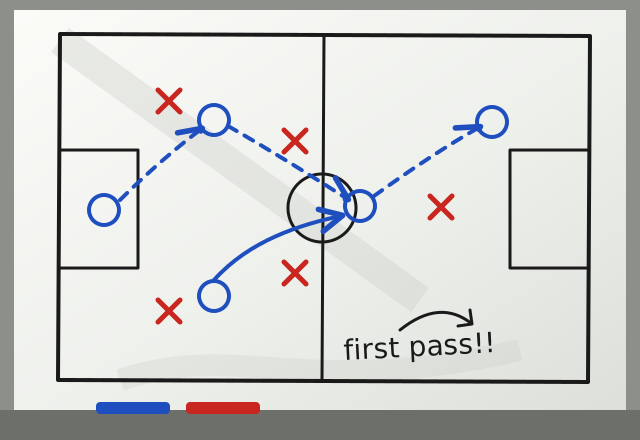
Is that a 2 or a 3 in the middle?
I can't remember. We ran it in April.
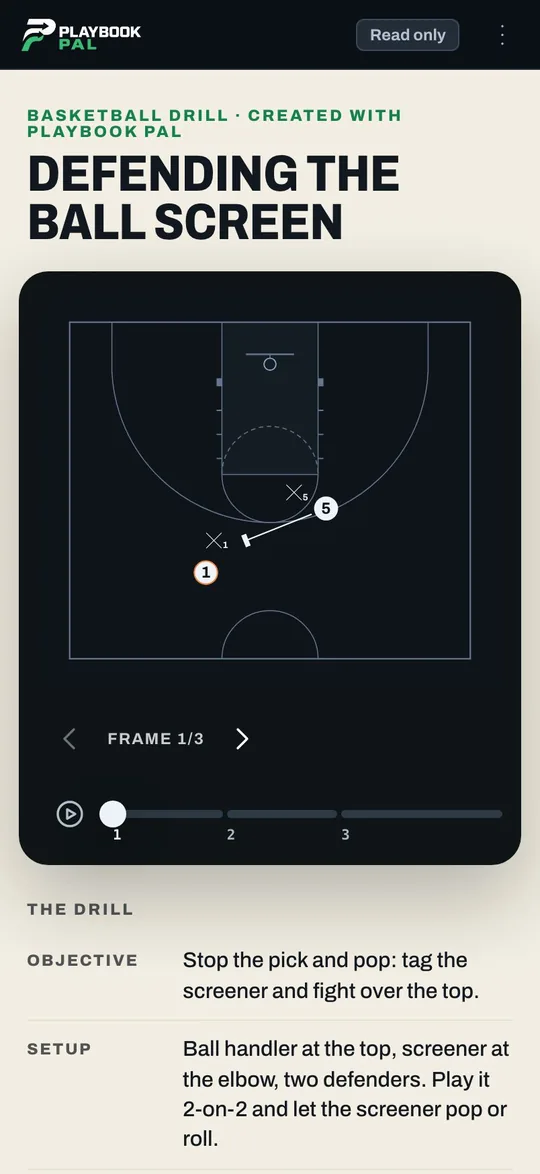
Sunday night: the drill opens right from the text.
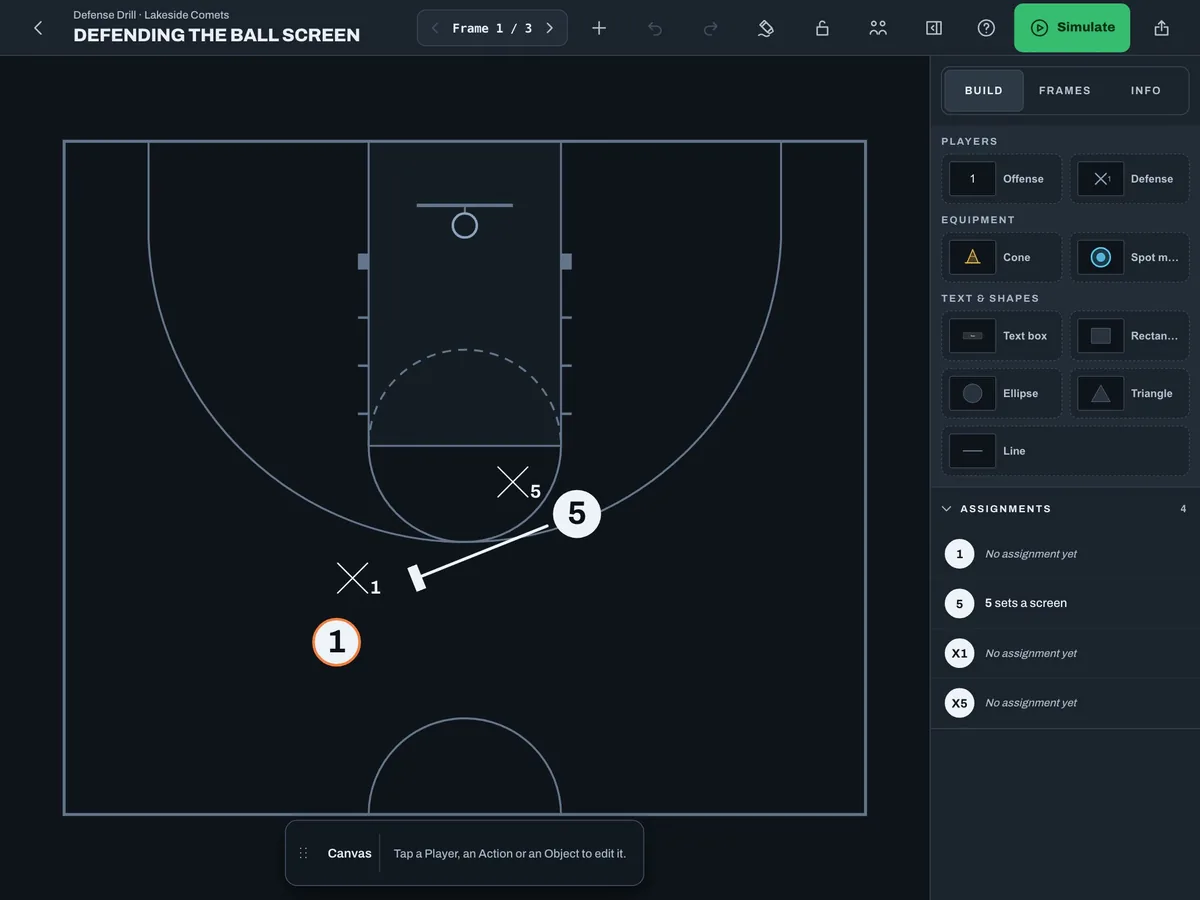
Jordan's 14U team struggled with ball screens all weekend, so Jordan asks the club. Coach Mike's 12U team ran a drill for it last month. There's no account to create and nothing to download: the drill opens in a browser with the diagram, the setup and the coaching note.
Anyone have a good idea to practice defending ball screens with good shooters?
We emphasized tagging the screener and going over the top of the screen to stop Pick & Pop shooters.
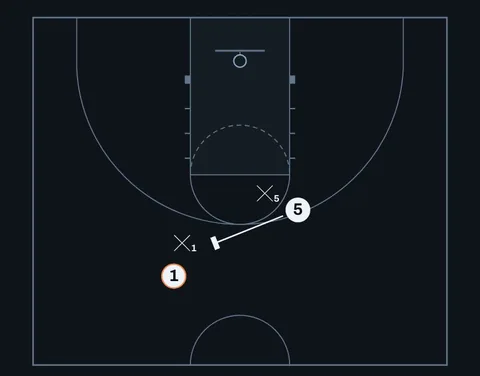
And the plan we ran.
This is perfect. Thank you!
Monday: keep it and make it yours.
Jordan saves it to My Library and uses Add from My Library to put it on the 14U Team, then changes it for older players. Jordan's copy is separate from then on, and My Library keeps it for every Team after this one.
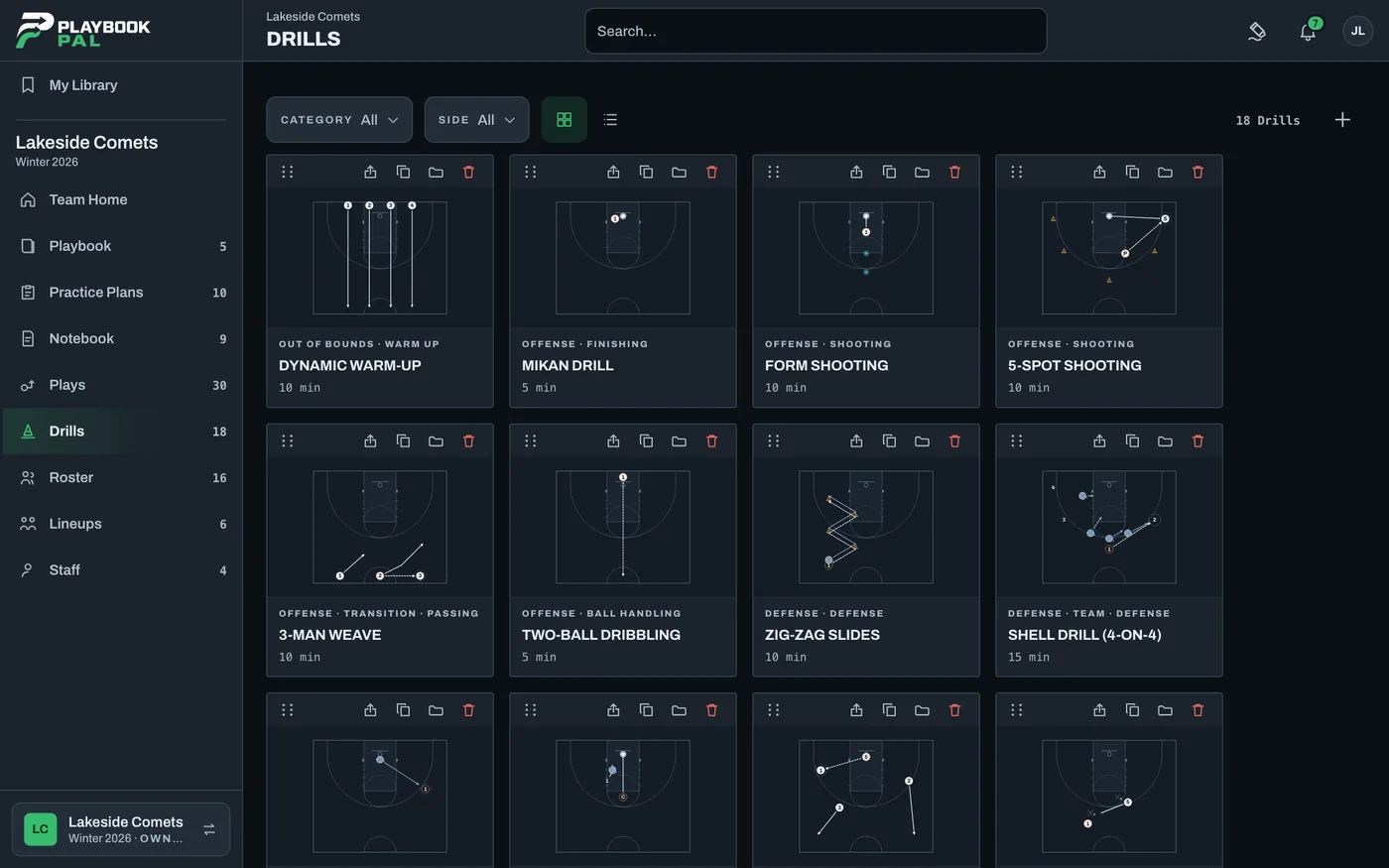
Monday night: it goes in this week's plan.
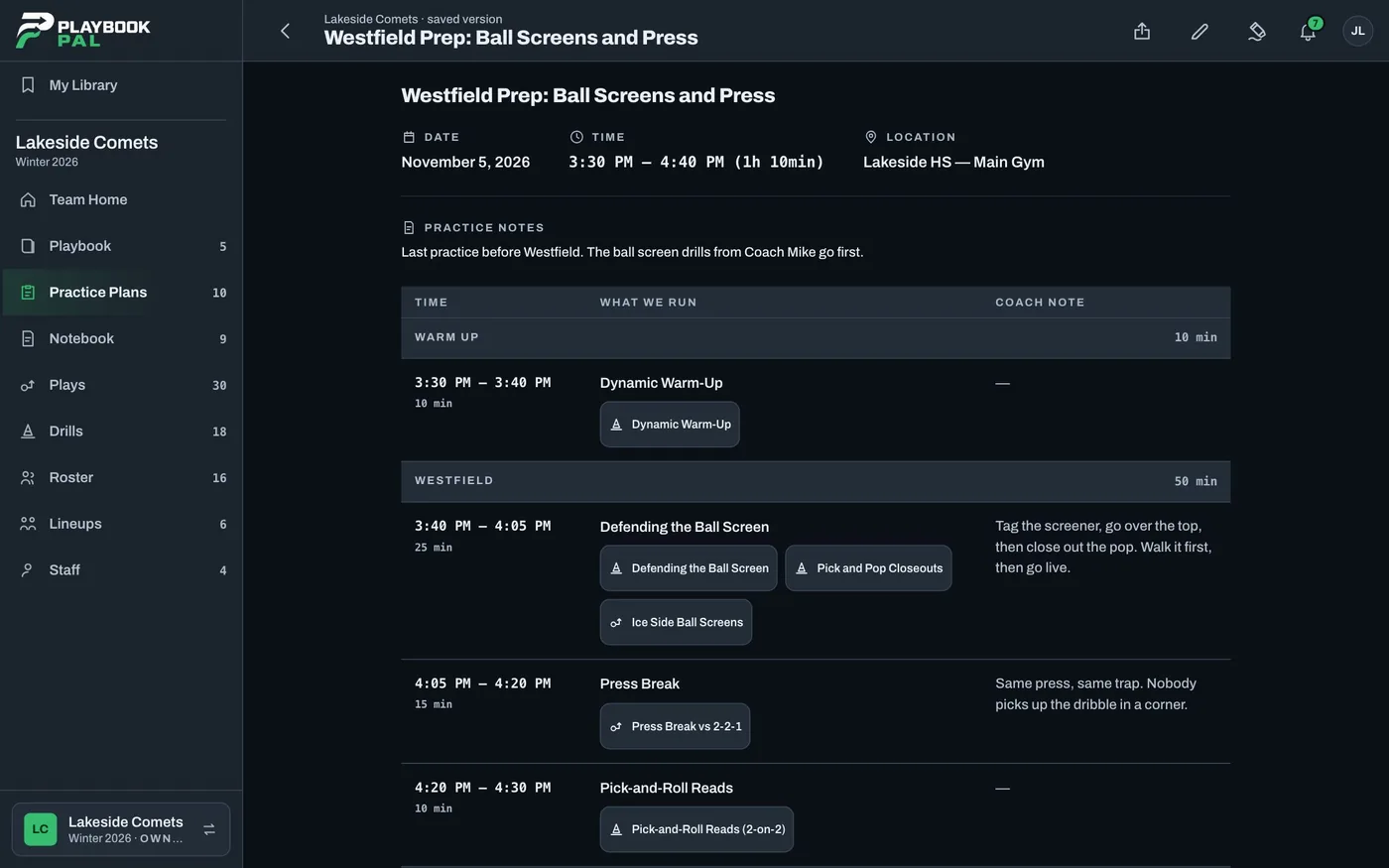
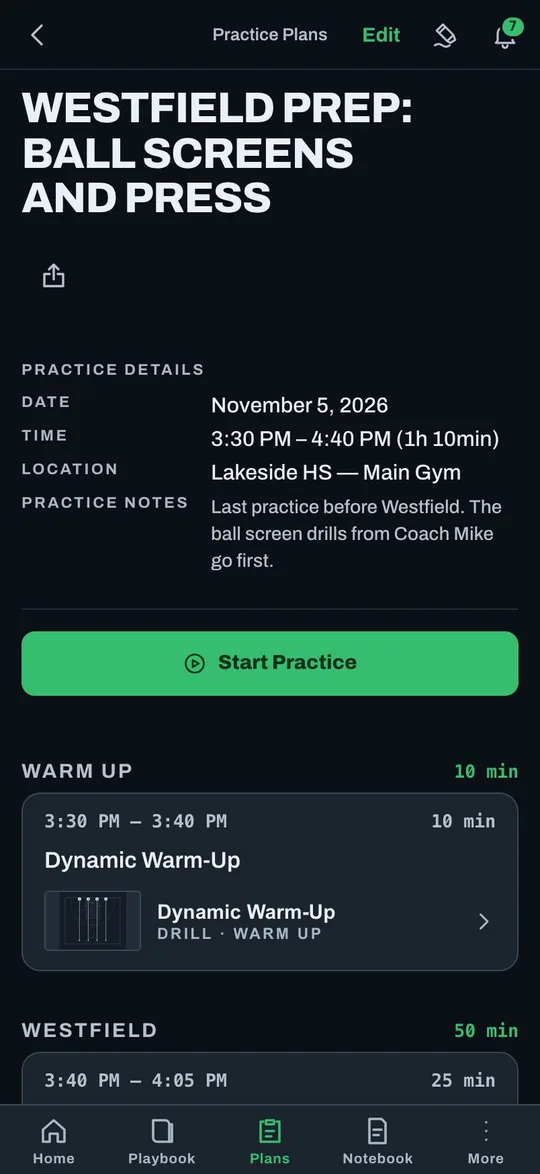
Jordan reads Coach Mike's plan to see how the 12U team ran it, then cites the drill in the upcoming Practice Plan beside the 14U's own drills.
Tuesday: bring your own assistants in.
The drill is only useful if the staff knows it's there. Jordan tags them on a Page: "Coach Mike shared a few drills for defending the PNR. I added them to our drills list - should we add them to the plan this week?"
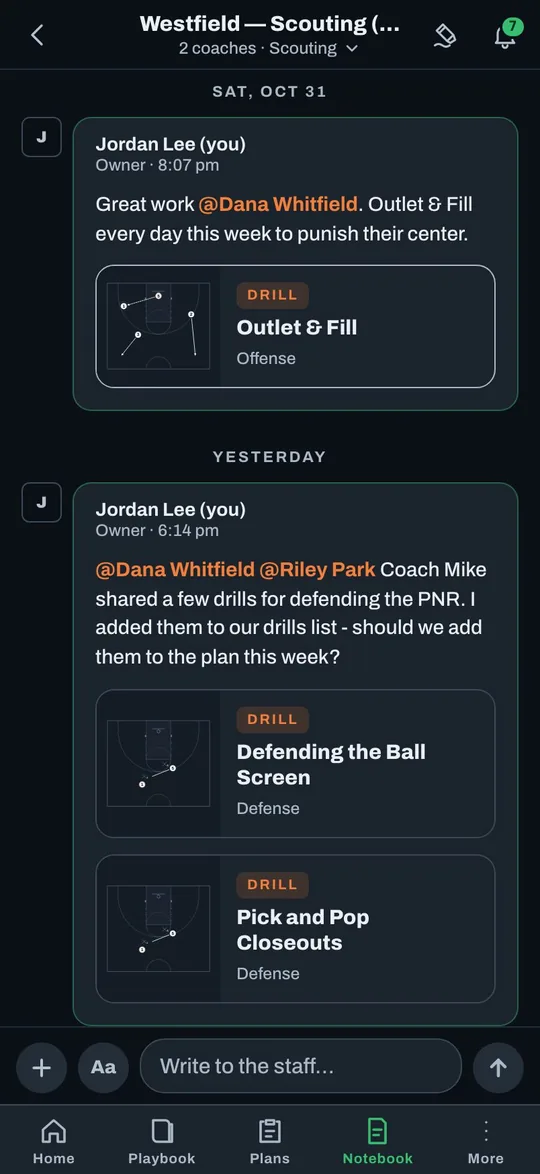
Saturday: the next tournament.
The Lineups and Practice Plans are readable offline in the iPhone and iPad app, so they're there in a gym with no signal. And when another coach asks about breaking a press on Sunday, Jordan sends something back the same way.
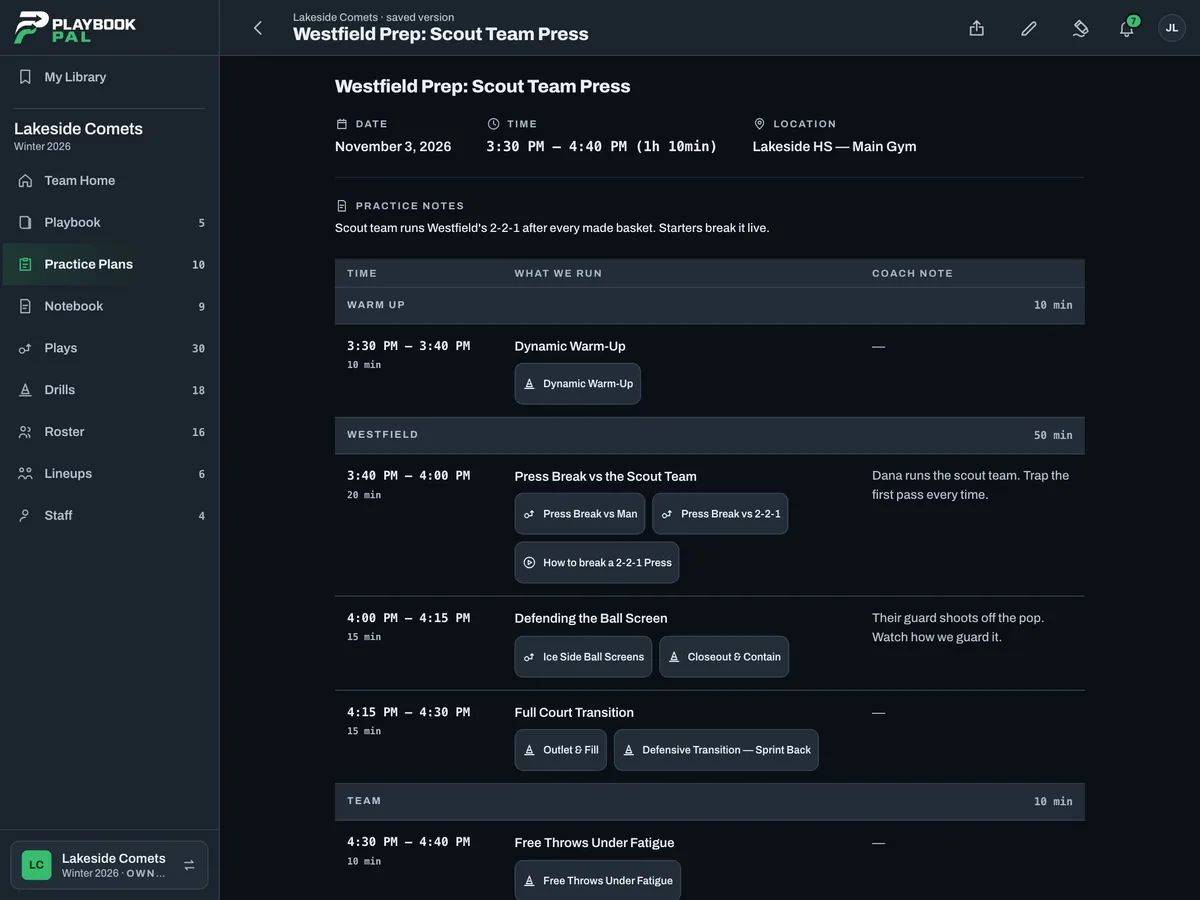
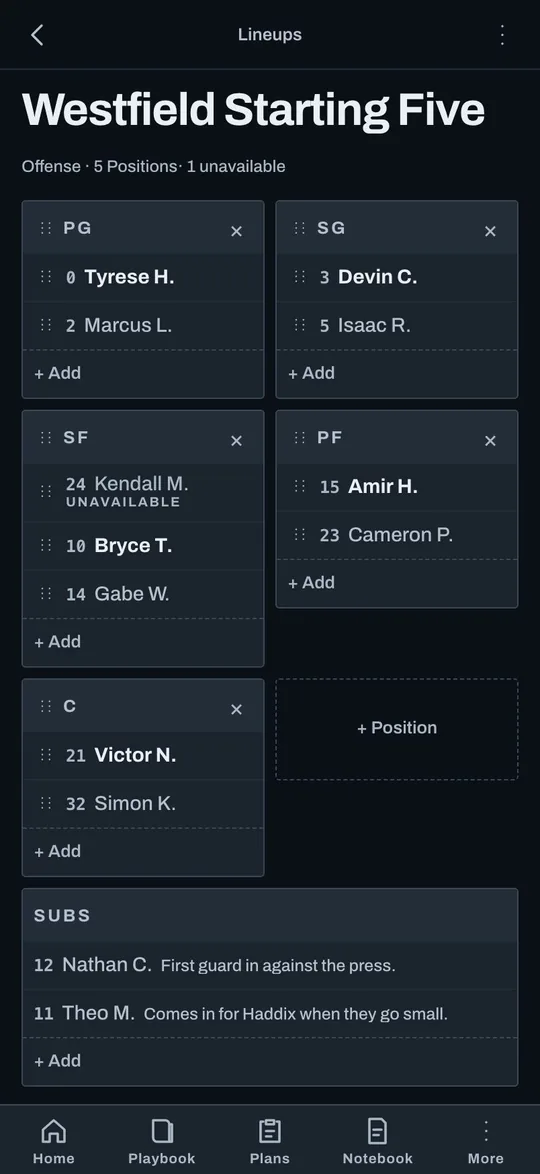
Less time reinventing. More time coaching.
Every coach in a club has solved a problem another coach is facing tonight. Sharing was already happening. Now what gets shared is something you can open, keep and run.
Now it's something you can keep.
Ball screens looked so much better this weekend. Thanks Mike.
Told you. Tag the screener every time.
Anyone have something for breaking a press with 10U?
Yes. Sending you ours.
Questions coaches ask.
What does it cost?
It's free to start today. Paid plans are coming, and every Team that exists when they launch gets Pro free for six months.
Do my assistant coaches need the app?
They can use the iPhone and iPad app or any web browser. Invite them with a link.
Will it work in a gym with no signal?
Readable offline in the iPhone and iPad app. Editing needs a connection.
I'm on Android.
Use Playbook Pal in Chrome and add it to your home screen. A native Android app is coming soon.
Do the other coaches need to be on my Team?
No. A Drill or Play link opens with no account. Saving one takes a free sign-in, and it goes to My Library.